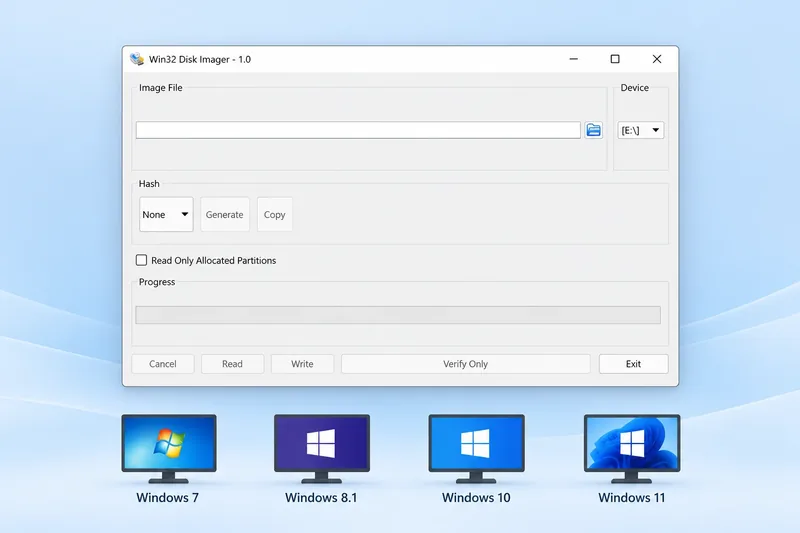
If you are searching for a Win32 Disk Imager APK, it helps to check the platform first. Win32 Disk Imager is a Windows desktop application. The release archive on this site contains Windows installers, binary ZIP packages and source archives; it does not include an Android APK.
What Is Win32 Disk Imager Used For?
Win32 Disk Imager is a free Windows tool for working with raw disk images. It can read a removable device into an image file and write an image file to a selected device. This is useful when your task involves the contents of a card or drive rather than a few separate documents.
You work through a desktop window with an image selection field and a device list. The application runs on your Windows computer, while the USB drive or SD card is the storage you connect to it.
Why the Software and Image Are Different
When searching for Win32 Disk Imager APK, it is easy to mix up the program with the image it handles. The program is the tool you open on Windows. The image is a separate file containing data that the tool reads or writes.
A card image may be intended for another device, but that does not make the imaging application an Android app. Think of it as preparing storage on a computer before putting that storage back into the device where you want to use it. The application and the destination have different roles.
What You Need for a Windows Imaging Task
To get started, you need a Windows computer, the application package and a way to connect your removable storage. For an SD card, that usually means a card reader. You also need the image you want to write, or a location for the backup you want to create.
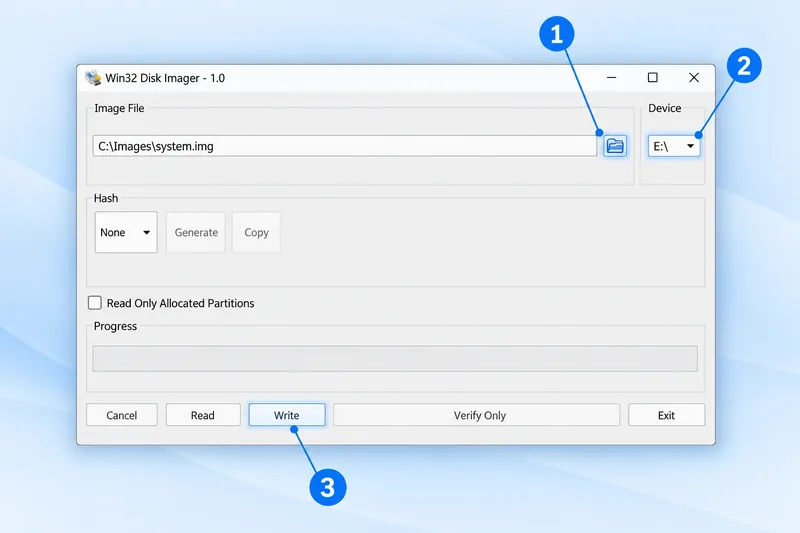
Choose Read when saving the connected device into an image. Choose Write when transferring an image onto the connected device. Check the drive letter before either action, particularly if you have several drives attached. These are the tasks the Windows download supports; changing the file extension to APK will not make them available on an Android phone.
Is Win32 Disk Imager Available as an APK?
There is no APK in the Win32 Disk Imager release files available here. An APK is an Android application package, while the Windows application uses an EXE file. Renaming a Windows file to .apk does not turn it into an Android app.
Understand the Download Formats
| Package | Purpose |
|---|---|
| Windows EXE | The setup installer or executable application for Windows. |
| Portable ZIP | The Windows application bundled with its supporting files. |
| Source ZIP | Source files for working with the project code. |
| Android APK | Not included in this release archive. |
Using Win32 Disk Imager with an SD Card
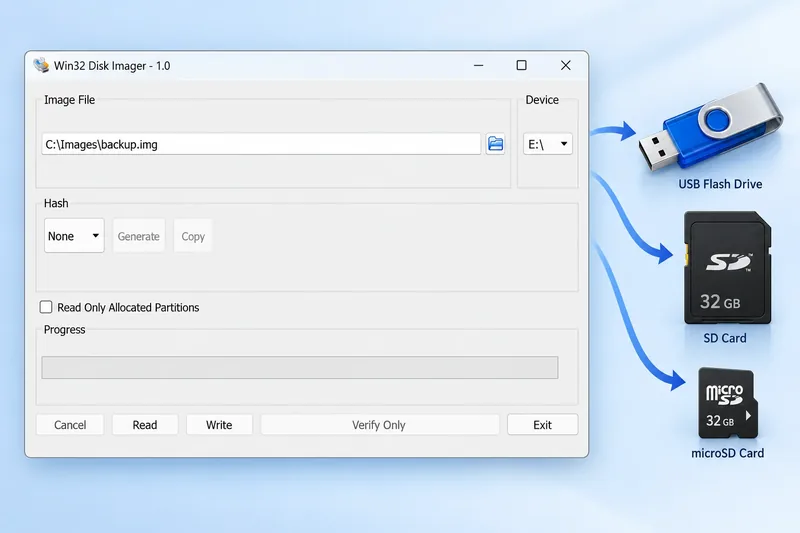
You can connect an SD card to a Windows computer using a card reader, then use Win32 Disk Imager to read a backup or write a raw image. The application runs on the computer; the SD card is the storage device you are working with.
- Connect your USB drive or SD card to a Windows computer.
- Open the Windows version of Win32 Disk Imager.
- Choose the image file or backup destination.
- Select the removable device and double-check its drive letter.
- Use Read for a backup or Write to transfer the image.
Get the Windows Version
If you intended to download the desktop software, use the Windows installer below. This is a Windows EXE download, not an APK.
Download for WindowsPrefer an extracted folder? See Win32 Disk Imager Portable. For earlier releases, visit Old Versions.
What If Your SD Card Is Used in Another Device?
An SD card can be used in a phone, a Raspberry Pi or another device, while the imaging software runs on a Windows computer. These are two different things. The device using the card does not decide which operating system can run Win32 Disk Imager.
For example, you may remove a card from a device and connect it to a Windows PC with a reader. You can then create an image backup of that card. You do not need to install an APK on the device to carry out that Windows task.
Choose the File That Matches Your Computer
If you reached this page while searching for a Win32 Disk Imager APK download, check what you actually need to do. For reading or writing an image with this application, use a Windows computer and select the installer or portable package.
If you only have an Android phone, the Windows download on this page will not install as a phone app. There is no separate APK button here because the available release files do not contain an Android version. The button at the top clearly identifies the Windows download.
Frequently Asked Questions
Will the Windows EXE install on Android?
A Windows EXE is not a native Android package. Android cannot install it as an APK.
Is the portable version an Android version?
No. The portable ZIP contains the Windows application and its supporting files.
Why might Android be mentioned alongside disk images?
An image can contain a system intended for another device. That does not change the operating system required to run the disk-writing application itself.
Which file should I download for a Windows computer?
Choose the Windows installer, or use the portable ZIP if you prefer to extract and run the application from a folder.